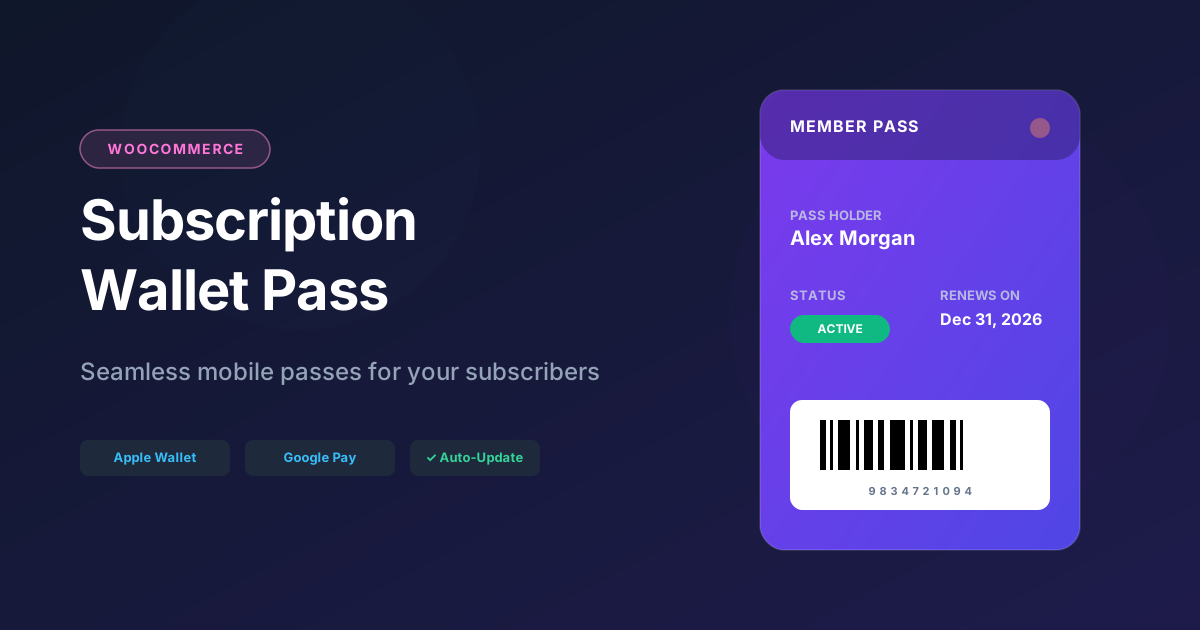
Subscription wallet pass for WooCommerce
Give subscribers a digital wallet pass on their phone — created automatically when a subscription activates, renews, or when customer data changes. Apple Wallet and Google Wallet supported.
Turn WooCommerce subscriptions into wallet passes
Subscription businesses on WooCommerce often rely on email receipts and login credentials. Subscribers forget renewal dates, lose access details, and never feel a tangible connection to your brand.
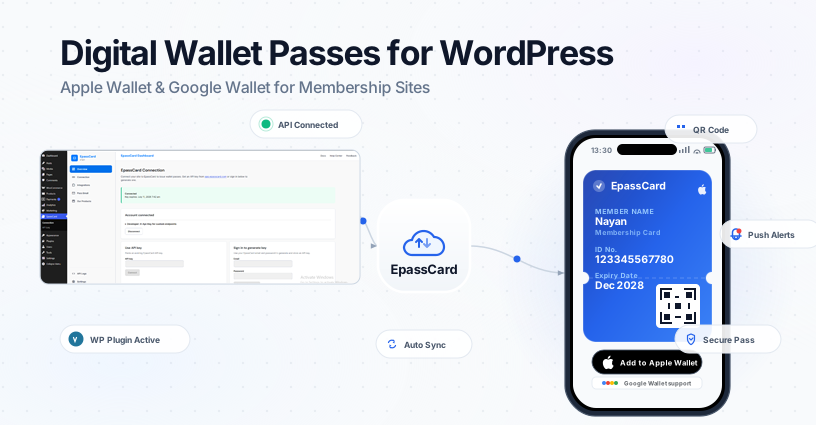
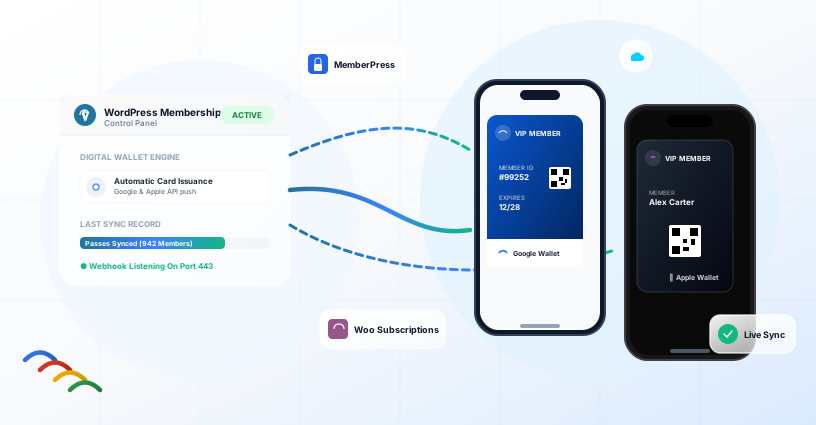
EpassCard connects WooCommerce Subscriptions to Apple Wallet and Google Wallet. Map each subscription product to a pass template — passes issue per subscription record and update when data changes.
What you get
| Feature | Benefit |
|---|---|
| Per-subscription passes | One pass per active WooCommerce Subscription record |
| Automatic issuance | Pass created when subscription becomes active |
| Live updates | Pass syncs when mapped subscription or customer data changes |
| My Account → Wallet passes | Subscribers view and open passes without email |
| Order email pass block | Optional pass links appended to WooCommerce customer order emails |
| Subscriptions list actions | Admin: create, update, email pass from subscription rows |
| Push reminders | Renewal, trial end, subscription end (WCS reminder timing) |
| Apple + Google Wallet | One mapping, both platforms |
How to set up WooCommerce Subscriptions wallet passes
Subscriber experience
After checkout, the customer can add their pass from the order email, from My Account → Wallet passes , or from an automatic pass-link email when a new pass is created.
Why not PassKit + Zapier?
- Membership boxes — subscriber tier and renewal date on the lock screen
- SaaS with WooCommerce billing — plan name and status in Google Wallet / Apple Wallet
- Content subscriptions — branded pass as subscriber identity
- Local delivery clubs — subscription ID and next billing date for support
- Annual renewals — push reminders before renewal (WCS timing)
EpassCard vs PassKit for WooCommerce
| EpassCard | PassKit + Zapier | |
|---|---|---|
| WooCommerce Subscriptions module | ✓ Built-in | Zapier / custom |
| My Account wallet endpoint | ✓ | – |
| Order email pass links | ✓ One toggle | Custom Zap |
| Per-subscription pass records | ✓ | Depends on setup |
Requirements
- WordPress 6.5+, PHP 8.1+
- WooCommerce + WooCommerce Subscriptions active
- EpassCard account with pass template(s)
- EpassCard plugin connected
Frequently asked questions
Does WooCommerce Subscriptions support wallet passes out of the box?
No. EpassCard adds Apple Wallet and Google Wallet pass issuance for subscription products.
One pass per customer or per subscription?
Per subscription record. A customer with multiple active subscriptions can have multiple passes.
Can pass links appear in order emails?
Yes. Enable Include pass links in WooCommerce order emails on the Connection page.
What happens when a subscription is cancelled?
Passes may be marked revoked locally and hidden from the frontend pass list per integration rules.
Does this work with MemberPress too?
Yes. EpassCard supports MemberPress, WooCommerce Subscriptions, and Ultimate Membership Pro as separate modules. MemberPress guide →