

EpassCard 1.2.0: A New Admin and Six New Integrations
Version 1.2.0 · Released November 9, 2026
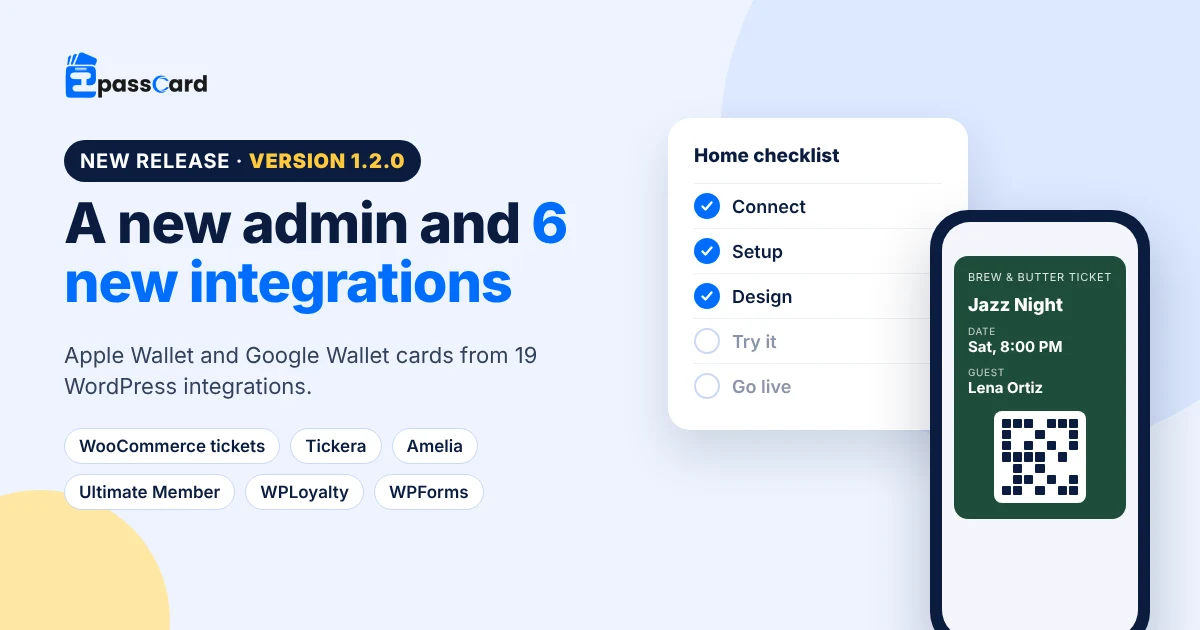
EpassCard 1.2.0 is now on WordPress.org. This release adds a new admin that walks you from connecting your account to your first live card. It also adds six new integrations, so WooCommerce products, Tickera, Amelia, Ultimate Member, WPLoyalty and WPForms can all issue Apple Wallet and Google Wallet passes.
Key takeaways
- A guided Home screen takes you through five steps: Connect, Setup, Design, Try it and Go live.
- EpassCard now works with 19 integrations, including WooCommerce products sold as tickets, vouchers or cards.
- Cards follow your orders more closely: unpaid tickets wait for payment, and refunds, cancellations and deleted accounts void the card.
- The loyalty program works in the WooCommerce Cart and Checkout blocks, and customers can use every point they have.
- Updating is free. Your connection, card designs and existing cards are kept.
Watch the new Home screen in 73 seconds: EpassCard Home tour on YouTube
What’s new in EpassCard 1.2.0?
Version 1.2.0 has three big changes: a new admin, six new integrations, and cards that stay in step with what happens on your site. The table sums it up.
| Area | What changed |
|---|---|
| Admin | New Home, Setup, Design, Try it, Cards and Settings screens, plus video tutorials in Help |
| Integrations | WooCommerce tickets, vouchers and product cards, Tickera, Amelia, Ultimate Member, WPLoyalty and WPForms |
| Card accuracy | Cards wait for payment, and void on refunds, cancellations, deleted users and deleted events |
| Loyalty | Cart and Checkout blocks, reward codes in My Account, fairer point expiry |
| Developers | PHP functions and REST routes to issue, update, void and read cards |
A new admin that walks you to your first card
The new Home screen shows a five-step checklist until you go live. After that it shows your active cards, new cards and any failures.
- Setup finds the plugins you already use and lets you choose what to give: a loyalty card, a membership card, event tickets and more.
- Design is the card designer, with your logo, strip image, colors and labels in a live preview. One design covers every plan, event or product, including ones you add later.
- Try it sends a test card with your own name to your phone, as a QR code or by email.
- Cards lists every card from every integration. You can search, filter, export a CSV, retry failed cards and give cards to existing customers in the background.
- Help has a short video tutorial for each section.
Six new integrations
EpassCard now connects to 19 integrations. These six are new in 1.2.0:
| Integration | Who gets a card |
|---|---|
| WooCommerce tickets, vouchers and product cards | Each unit bought, guests included. No other plugin needed |
| Tickera | Each attendee. The barcode carries Tickera’s ticket code, so Tickera’s check-in apps scan it |
| Amelia appointments and events | Each booking, or each person. Updated when rescheduled, voided when canceled |
| Ultimate Member | Each member, with a design per role and a Wallet card tab on the account page |
| WPLoyalty | Each customer, with their points, level and referral link |
| WPForms (Lite or Pro) | Each form submission, sent to the email on the form |
On the WooCommerce product page, tick Wallet card and pick ticket, voucher or card. A preview of the card appears beside the setting, with a short video that explains each kind.
Cards that follow what happens on your site
A wallet card is only useful when it is right. In 1.2.0, cards react to more of the changes that happen after a sale or sign-up.
- Unpaid event tickets wait. With The Events Calendar and Tickets Commerce, the card is issued when the payment completes. A new status rule, Payment pending (not paid yet), controls this.
- Refunds void the right cards. A full refund, a cancellation or an abandoned order voids the ticket. A partial refund voids only the refunded tickets.
- Members move cleanly. In Ultimate Member, a new role with another design gets a new card. In Ultimate Membership Pro and Simple Membership, deleting a user voids their card.
- Events change, cards follow. In Events Manager and The Events Calendar, a new date, time, venue or name updates the cards. A deleted event voids them.
- No duplicate cards. A record can no longer get two billable passes when two requests arrive at the same moment.
Loyalty program updates
The built-in WooCommerce loyalty program got easier for customers to use.
- The points widget now works in the WooCommerce Cart and Checkout blocks, without a page reload.
- Customers can tap Get my loyalty card on the My Account loyalty page before they earn their first points.
- Reward codes show in My Account, on the claim screen and in the reward email.
- Customers can use every point they have at checkout. Before, rounding could leave a few points unused.
- Points expire fairly: only unspent points expire, and the ones that expire soonest are used first.
- A manual deduction can no longer push a balance below zero.
For developers
Version 1.2.0 adds a developer API. Use epc_issue_pass(), epc_update_pass(), epc_void_pass() and epc_get_pass() in PHP, or the REST routes under epasscard/v1/passes. New hooks include epc_job_went_live and epc_manage_passes_cap. See the plugin documentation for the full list.
Security and speed
The stored API key now uses authenticated encryption. Settings are for administrators, while card work is also open to Shop Managers. EpassCard also loads only the code a request needs, so a front-end page reads about 16 files instead of 65 when one integration is on. The plugin now runs on PHP 7.2 or newer, down from 8.1.
How do you update to 1.2.0?
Go to Dashboard → Updates or Plugins and click Update now. Your connection, card designs and existing cards stay as they are. After the update, open EpassCard → Home to see the new checklist.
One note before you update: the stored API key is converted to the new encryption on first use. Going back to 1.1 after that needs a reconnect.
Requirements: WordPress 6.5 or newer, PHP 7.2 or newer. Tested up to WordPress 7.1.
FAQ
Is the 1.2.0 update free?
Yes. The EpassCard plugin is free on WordPress.org, and so is every update. Your EpassCard plan sets how many live passes you can issue. The update itself does not change your plan or your existing cards.
Will my existing cards keep working after the update?
Yes. Cards already in your customers’ Apple Wallet and Google Wallet keep working. Your connection, designs and mappings are kept, and the old integration pages redirect to the new Design and Settings screens.
Do I need an Apple Developer account?
No. EpassCard signs and delivers the passes for you. You design the card and connect your plugins. Customers add the card from the link in their email or on their account page.
Which plugins does EpassCard 1.2.0 work with?
WooCommerce (loyalty, tickets, vouchers, cards and Subscriptions), WPLoyalty, MemberPress, Paid Memberships Pro, Simple Membership, Ultimate Membership Pro, Ultimate Member, The Events Calendar, Events Manager, Tickera, Amelia, WPForms, PW Gift Cards and YITH Gift Cards.
Get EpassCard 1.2.0
Already using EpassCard? Update from your WordPress dashboard. New to EpassCard? Install it free from WordPress.org and follow the Home checklist to your first card.