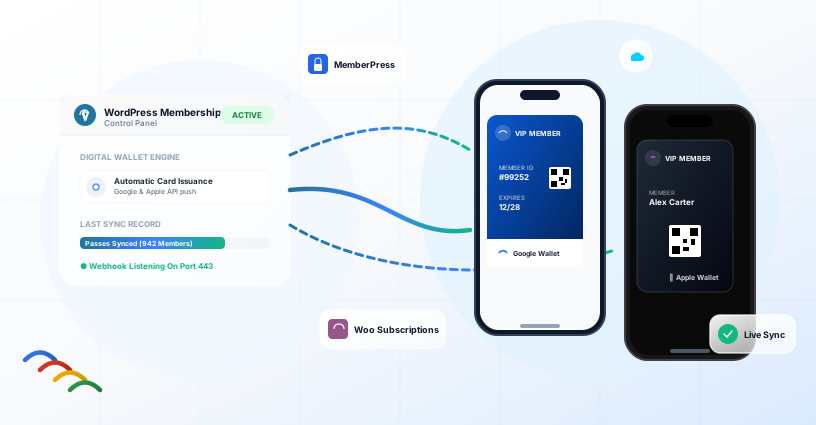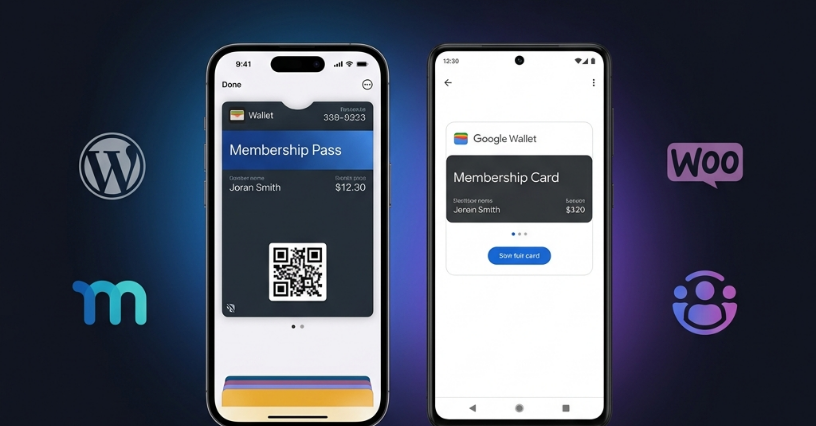
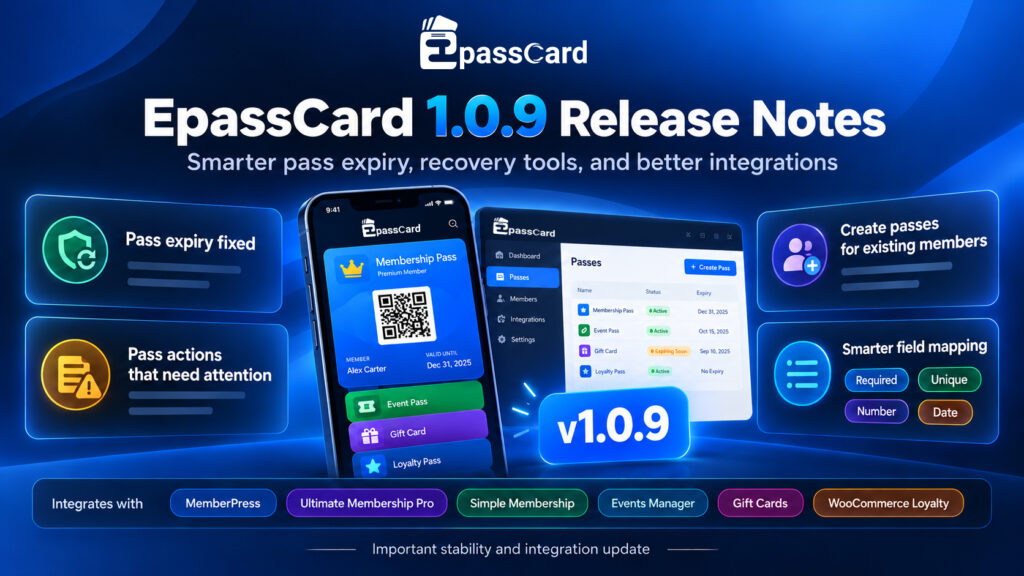
EpassCard 1.0.9 is a security and reliability update, and every site should install it. The most important fix is pass expiry. In 1.0.8, expiring a pass failed silently, so members who cancelled or were refunded kept a working card in Apple Wallet or Google Wallet. 1.0.9 fixes that and cleans up the passes that slipped through.
It also masks your API key in the log, shows you any pass that failed to create, update or expire, and lets you give passes to members who joined before you set up EpassCard.
What Changed at a Glance
EpassCard 1.0.9 focuses on pass reliability, security, failed pass visibility, and support for existing members. Here’s a quick look at the main changes included in this update.
| Area | What 1.0.9 does |
|---|---|
| Pass expiry | Uses the correct API endpoint, retries up to 3 times, and re-expires passes that 1.0.8 missed |
| Security | Masks API keys, passwords and tokens in the API Log, including old entries |
| Visibility | New “Pass actions that need attention” panel with Retry and Dismiss |
| Existing members | New “Create passes for existing members” button |
| Integrations | Fixes for MemberPress, Ultimate Membership Pro, Simple Membership, Events Manager, gift cards and WooCommerce loyalty |
Pass Expiry Works Again (and Old Passes Are Cleaned Up)
When a member cancels, is refunded or expires, their wallet pass should stop working. In 1.0.8 the expiry request went to the wrong address and came back “Not found”, so the pass stayed valid.
1.0.9 sends expiry to the documented endpoint. If a request fails, the plugin retries it up to three times. A pass is only marked Revoked after EpassCard confirms it, so the status in WordPress now matches what’s on the phone.
You don’t need to hunt for affected members. After you update, the plugin goes back once and re-expires every pass it marked as revoked while 1.0.8 was installed.
Your API Key No Longer Shows in the Log
The API Log is useful for troubleshooting, but it used to store your API key, password and tokens in plain text. 1.0.9 masks them in both requests and responses. Entries written before the update are cleaned automatically.
The “Our Products” section on the Connection screen is also safer and faster. Its content is now sanitized before display and cached for 12 hours, so the screen no longer waits on a remote request every time it opens.
See Every Pass That Didn’t Go Through
Each integration page now has a Pass actions that need attention panel, and an admin notice tells you when something is waiting there. It lists passes that couldn’t be created, updated or expired, with the exact error EpassCard returned. Fix the cause, then click Retry, or click Dismiss if it no longer matters.
Give Passes to Members Who Joined Earlier
If you mapped a membership level after people had already joined, those members had no pass. Each mapped plan now has a Create passes for existing members button, so one click covers everyone already on that plan.
Cleaner Data on Your Passes
This update also improves how pass data is validated, formatted, and handled when information changes.
- Numbers and dates are converted to the format EpassCard expects. A price like “$501.00” becomes 501.00, and dates become YYYY-MM-DD. Values that can’t be converted are sent unchanged, as before.
- The mapping window marks fields as Required, Unique, Number or Date. It won’t let you save without the required fields, and it warns you when a value may not fit a number field.
- Reconnected accounts: if a stored pass belongs to a different EpassCard account (for example after you connected another API key), the plugin creates a new pass instead of failing on every update.
- Push reminders are no longer sent twice after a pass updates, and each new expiry or event date gets its own reminder.
Integration Fixes
EpassCard 1.0.9 also includes several fixes across supported membership, events, gift card, and loyalty integrations. Here’s what changed for each integration.
| Integration | Fix in 1.0.9 |
|---|---|
| MemberPress | Refunded and expired transactions now expire the pass. A new “Pass behavior by transaction status” panel lets you choose what happens for each status. |
| Ultimate Membership Pro | Passes are created when a level is assigned and expired when it’s removed or cancelled in UMP 10.x. Older hooks still work. |
| Simple Membership | Members you add from the admin “Add member” screen now get a pass. |
| Events Manager | Your pass behavior settings for each booking status are applied, instead of the defaults. |
| PW and YITH Gift Cards | One pass per card, created after the balance is set. Cards with a zero balance get no pass. Sender and recipient fall back to the order’s billing name and email. |
| WooCommerce Loyalty | New programs don’t award points on gift card purchases (a “Gift cards” option in Program settings; existing programs keep their behavior). Rewards lost to a refund are withdrawn and offered again when the points are earned back. The thank-you page shows points earned, order notes log every change, and the redeem box hides when a customer has no points. The first pass is created right away. |
Smaller Improvements
- The pass email subject now includes the pass name, using a new
{pass_name}placeholder, so members with several passes can tell them apart. If you saved your own subject, it stays as it is. - Developers get a new filter,
epc_pass_email_recipient, to change who receives the pass email. - The Connection screen lists supported plugins you haven’t activated yet, with an Activate link, and hides the sign-in form once you’re connected.
- The plugin has a clearer name on WordPress.org: EpassCard – Apple & Google Wallet Passes for Loyalty, Memberships, Events & Gift Cards.
How to Update
- In WordPress, go to Dashboard → Updates (or Plugins) and update EpassCard to 1.0.9.
- Open EpassCard and check each integration page for the Pass actions that need attention panel.
- On each mapped plan, click Create passes for existing members if some members don’t have a pass yet.
- Using MemberPress? Review the new Pass behavior by transaction status panel.
The update is safe. Your connection, mappings and passes are kept, and there’s nothing to migrate.
Update to EpassCard 1.0.9
Already using EpassCard? Update to EpassCard 1.0.9 · New here? Start free with 50 live passes.
Stay up to date with EpassCard product updates, practical WooCommerce tips, and upcoming offers by subscribing to our newsletter. You can also join our community or follow EpassCard on Facebook and LinkedIn for more updates and eCommerce insights.
Frequently asked questions
Yes. It doesn’t change the database structure, and your connection, mappings and existing passes stay as they are.
No. Your mappings carry over. The mapping window will only stop you from saving if a required pass field isn’t mapped.
No. After the update, the plugin re-expires once every pass it marked as revoked while 1.0.8 was installed.
No. Gift cards now get one pass each, and push reminders are no longer repeated after updates.
No. This is a plugin update. Your EpassCard plan and limits are unchanged.
Install the free plugin from WordPress.org and connect a free EpassCard account. The free plan includes 50 live passes, enough to test with real members or customers.