

MemberPress Apple Wallet & Google Wallet
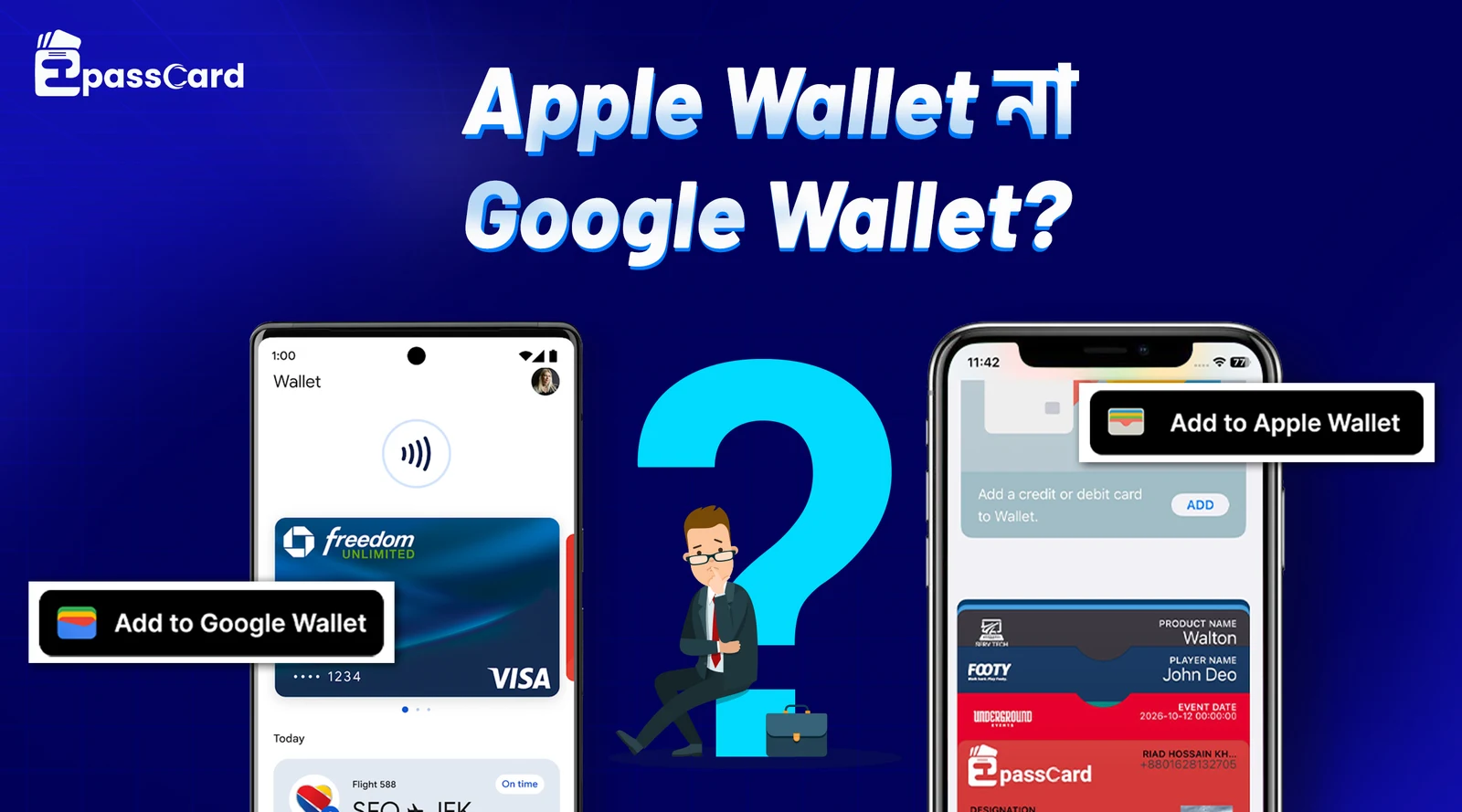
Give every MemberPress member a digital membership card they can add to Apple Wallet or Google Wallet — automatically when they subscribe, renew, or update their profile.
MemberPress members expect a card on their phone
Most membership sites still send a static PDF — or nothing at all. Members lose it, can’t find it at check-in, and never feel part of a real program.
Apple Wallet and Google Wallet put the membership card on the lock screen, update when data changes, and work on iPhone and Android without downloading your app.
Until now, connecting MemberPress to wallet passes meant Zapier, PassKit API projects, or hiring a developer. EpassCard is the native WordPress plugin built for this workflow.
What you get with EpassCard + MemberPress
| EpassCard | PassKit + Zapier | |
|---|---|---|
| WordPress plugin | ✓ Native | External automation |
| MemberPress auto-issue | ✓ Built-in | Zapier workflow |
| Setup time | ~15 minutes | Hours to days |
| MemberPress account tab | ✓ Wallet Passes | — |
What you get with EpassCard + MemberPress
1
Create a pass template in your EpassCard account — logo, colors, and fields.
2
Install EpassCard on WordPress and connect your API key under EpassCard → Connection.
3
Enable the MemberPress module on the Connection page and save.
4
Map each membership product under EpassCard → MemberPress — choose a template and map fields.
5
Done. When a member completes signup, EpassCard creates their wallet pass and can email the add-to-wallet link.
After signup
EpassCard calls the API with mapped member data, stores the pass link in WordPress, shows it in
Issued passes , and lets members access it from the Wallet Passes tab in their MemberPress account.
Why not PassKit + Zapier?
| Feature | Benefit |
|---|---|
| Automatic issuance | Pass created when a member subscribes or renews |
| Live updates | Pass syncs when mapped membership data changes |
| Apple Wallet + Google Wallet | One setup, both platforms |
| MemberPress account tab | Members open passes from Wallet Passes in their account |
| Admin pass list | Search, filter, create, update, or email pass links |
| Push reminders | Expire, renewal, trial, and card-expire (MemberPress timing) |
| Email delivery | Optional automatic email when a new pass is created |
| Per-plan mapping | Different pass templates per membership product |
Who uses MemberPress wallet passes?
- Gyms and fitness studios — digital member card for front-desk check-in
- Associations and clubs — membership level and expiry on the lock screen
- Online communities — tangible membership identity beyond login
- Co-working spaces — member name + plan visible without opening email
- Courses and academies — wallet pass as a completion perk
Requirements
- WordPress 6.5+ and PHP 8.1+
- MemberPress active on your site
- EpassCard account with at least one pass template
- EpassCard WordPress plugin installed and connected
Frequently asked questions
Does MemberPress have a built-in Apple Wallet integration?
No. EpassCard is a dedicated WordPress plugin that adds Apple Wallet and Google Wallet passes to MemberPress memberships.
Do members need to install an app?
No. Members add the pass through a standard Add to Apple Wallet or Save to Google Wallet link.
Can I use different pass designs per membership level?
Yes. Map each MemberPress membership product to its own EpassCard template
Are passes updated when a member renews?
Yes. EpassCard issues on renewal and updates passes when mapped fields change.
Is EpassCard a PassKit alternative?
Yes — specifically for WordPress and MemberPress. Read the comparison.