
WordPress event tickets in Apple Wallet and Google Wallet
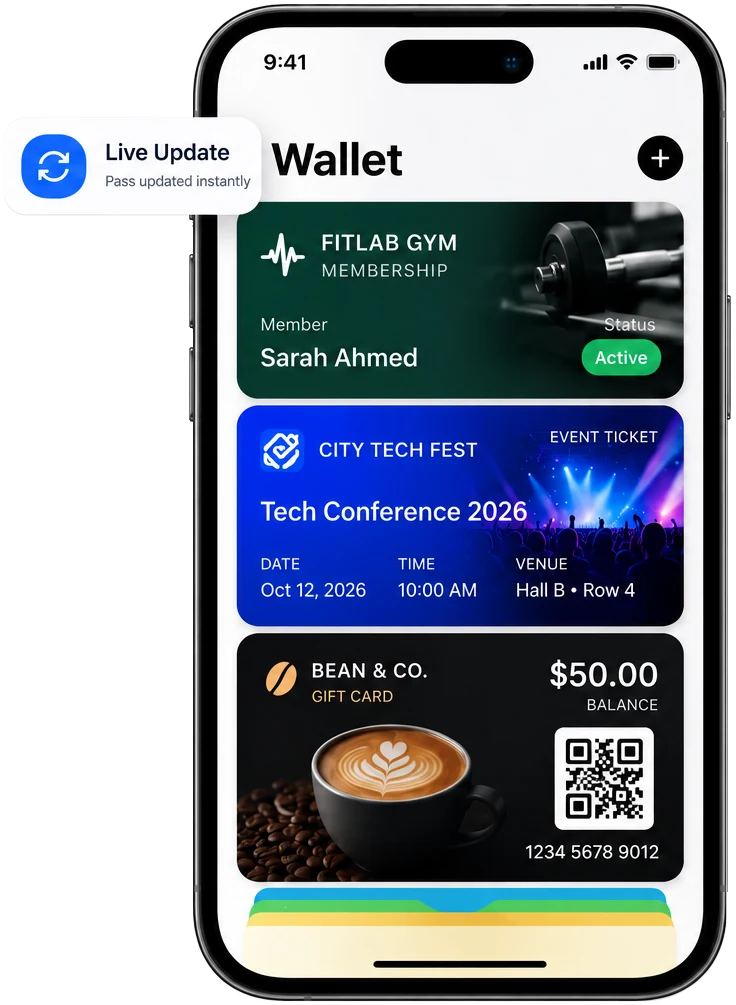
Your attendees already carry their phone to the door. EpassCard turns every booking from The Events Calendar or Events Manager into a wallet ticket they can’t lose in an inbox.
Which event plugins does it work with?
| Plugin | Ticket is created when | Ticket is voided when |
|---|---|---|
| The Events Calendar + Event Tickets | An attendee is created (RSVP, Tickets Commerce or WooCommerce tickets) | The ticket is deleted |
| Events Manager | A booking is added | The booking is deleted |
Live in three steps
Install the plugin
Install the free EpassCard plugin and connect your account.
Turn on the module
Turn on the module for your event plugin and pick a ticket template.
Attendees get a ticket
After booking, attendees add the ticket to Apple Wallet or Google Wallet.
What shows on the ticket?
| On the ticket | Comes from |
|---|---|
| Attendee name | The booking |
| Event name, date and time | The event |
| Venue | The event venue |
| Ticket type or spaces booked | The ticket or booking |
| QR code | For scanning at the entrance |
Faster at the door
- The ticket sits in the phone’s wallet, so there’s no searching through email at the door.
- If the attendee’s details change, the ticket in the wallet updates.
- With The Events Calendar, send a push notification to ticket holders before the event starts.
- Delete passes after an event to free their slots for the next one.
How do I set it up?
- Install EpassCard from WordPress.org and connect your account.
- Turn on the The Events Calendar or Events Manager module.
- Choose a ticket template and map the fields (attendee, event, date, venue).
- Make a test booking and add the ticket to your phone.
New to EpassCard? The Free plan includes 50 live passes and 3 templates. See pricing →
Questions
Do I need Event Tickets for The Events Calendar?
Yes. Wallet tickets are created from Event Tickets attendees (RSVP, Tickets Commerce or WooCommerce tickets).
Does it work with Events Manager bookings?
Yes. Each Events Manager booking gets its own wallet ticket.
Do attendees need an app?
No. The ticket opens in Apple Wallet or Google Wallet.
How much does it cost?
The plugin is free. Each ticket counts as one live pass. The Free plan covers 50 live passes; paid plans start at $19 a month for 250. See pricing.